Practical guide
Free LEGO building instructions PDFs: where to find them safely
The quickest route to official manuals, older-set instructions, legitimate free MOC guides, and the pieces you still need.
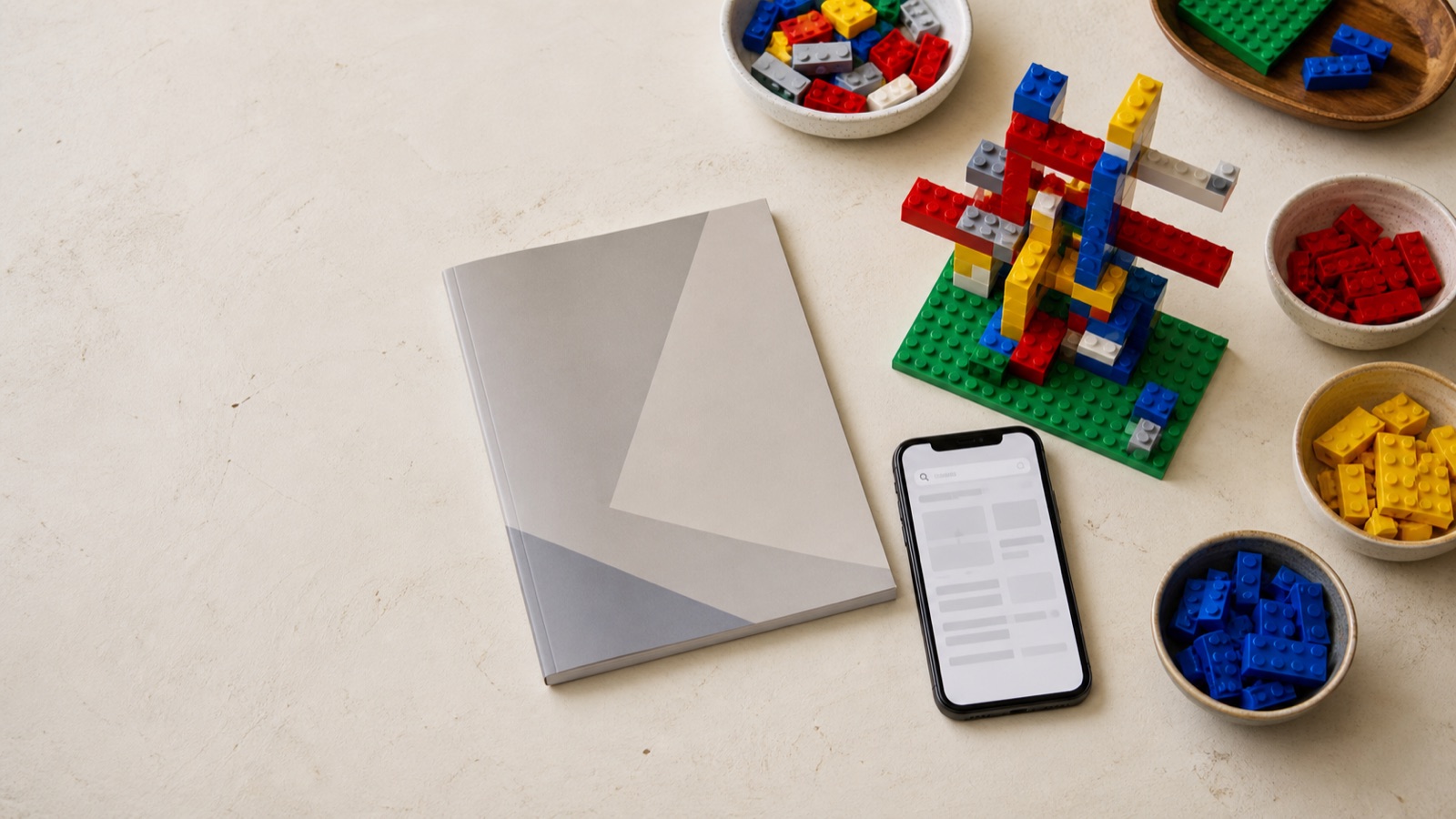
Search LEGO’s official instruction finder with the set number printed on the box or booklet. Select the correct result, then save the PDF to your device.
Find official instructions ↗01 / Official instructions
Start with LEGO’s own library
LEGO maintains instructions for thousands of sets. Its official help page says: “Almost all of our building instructions are PDF files and you can download them for free!” The library is the safest first stop because the manual comes from LEGO rather than a copied-file site.
- Find the set number. It is normally printed on the box, the booklet cover, or the set’s product page.
- Search the number or a distinctive name. A number gives cleaner results; theme and year filters help when you only know the name.
- Check the result carefully. Large sets can have several booklets, so download every numbered manual you need.
- Save before opening. On a phone, use the browser’s download or share menu to keep a local copy rather than reopening it from a tab each time.
02 / PDF or app
Choose the format that fits the build
A PDF is ideal when you want to print pages, keep a simple offline file, or work from an older manual. The free LEGO Builder app can scan or search supported sets and may add 3D zoom-and-rotate steps or Build Together. Those interactive features are not available for every set.
LEGO’s 2017 walkthrough demonstrates zooming, rotating, and resuming a digital build. The interface has changed, but the core idea is still useful.
Watch on YouTube ↗03 / Unknown set
No set number? Identify before you download
Start with what you can see: theme, approximate year, model type, colors, minifigures, and one or two unusual pieces. Search your receipt or old store order, then browse a visual catalog such as Brickset or use Rebrickable to compare inventories. Once you have a likely set number, return to LEGO for the manual.
A tiny number molded into a brick is usually a design or element identifier—not the set number. It can still help identify an unusual part, but searching it as though it names the complete model often leads to the wrong instructions.
04 / Retired sets
Older manuals: official archive first
Many retired-set manuals are still available. LEGO’s older-instructions guidance says its searchable collection reaches back decades, although not every set has been digitized.
If a name is hard to find, try the Brickset instruction index. Brickset says it links to instructions on LEGO’s servers instead of hosting its own copies. Independent scan archives can fill occasional gaps, but their authorization may be unclear. Do not install software, browser extensions, or executables to obtain a manual, and do not assume a prominent download button is the real file.
05 / Fan builds
Free MOC instructions are a different library
A MOC—“My Own Creation”—is designed by a fan, not LEGO. The creator chooses whether to publish a PDF, video, Studio file, or paid guide. Free describes the price, not the absence of copyright: credit the builder, download from their own listing, and never repost their file.
Browse Rebrickable’s MOC catalog and turn on its free-instructions filter. For example, Jahn_Janson’s Spruce Tree currently offers a creator-posted free PDF. Always recheck the parts list, format, donor set, and free status before starting.
06 / Missing pieces
Turn the parts list into a finished model
The inventory near the end of a manual helps confirm what belongs in the set. For individual new elements, start with LEGO Pick a Brick. Use LEGO Replacement Parts for the appropriate missing, broken, or buy-pieces flow—not as a source of unlimited free extras.
New official elements; selection and delivery vary by country.
A marketplace for new, used, retired, and rare pieces. Prices, condition, sellers, and shipping vary.
An independent retailer of original parts, minifigures, and sets. Check regional availability and shipping.
BrickLink’s official guide shows how to collect required parts into a Wanted List and use it while shopping across marketplace sellers.
Watch on YouTube ↗07 / Safer downloads
A free PDF should only be a PDF
- Prefer LEGO’s domain or the named creator’s own page.
- Do not install an extension, “download manager,” or unrelated application.
- Save a legitimate manual for convenient personal use; do not repost or sell it.
- Respect the license and payment terms on fan-created instructions.
- On mobile, download large files over Wi-Fi and rename them clearly.
08 / FAQ
Quick answers
Are official LEGO instruction PDFs free?
LEGO says almost all manuals in its online library are free PDFs. Availability varies, particularly for some older sets.
Can I download instructions for a retired set?
Often, yes. Search the exact set number in LEGO’s official finder first, then use Brickset’s index to locate LEGO-hosted files.
Are all MOC instructions free?
No. Each fan creator decides the price and format. Use a free filter, confirm the listing, and respect paid downloads.
Can I buy only the missing bricks?
Usually. Pick a Brick sells individual new elements; BrickLink sellers may have older or used parts. Match part number, color, and condition carefully.
May I print the instructions?
A saved official PDF is convenient for personal building and printing. For redistribution or commercial use, consult the source’s current terms.
Ready to improve the build itself? Learn stronger sideways building →
Sources were reviewed August 13, 2026. Product features, files, prices, and availability can change. LEGO® is a trademark of the LEGO Group. Blockcraft is an independent publication and is not sponsored, authorized, or endorsed by the LEGO Group.